Notes on your board
“Buy milk.” “Call the plumber.” Say it and it's a card on your board, waiting when you look.
 JimGenerate
LV-Chat for iPhone
The AI personal assistant you talk to. Say what you need to remember, and LV puts a note on your board, checks your calendar, and answers in a sentence.
Be one of the first 100
When the first 100 people sign up, Jim starts generating it, right here on this page.
You're on the list.
We'll email you when it's ready.
We use your email only to tell you when it's ready.

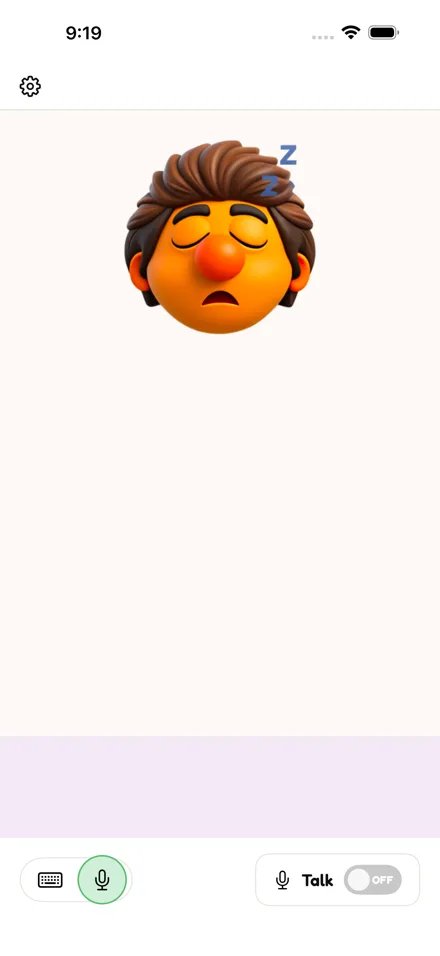
A voice memo is a recording you have to listen to again. LV listens once and keeps the point: a short note on your board, in your words. Switch Talk on and speak; if your hands are busy, that's all it takes. Rather type? The keyboard is one tap away.


“Buy milk.” “Call the plumber.” Say it and it's a card on your board, waiting when you look.
Ask what's on tomorrow, add the dentist, move a meeting. Connect Google Calendar if you'd like to; it's optional.
Names, plans, the things you've told it. You never start from the beginning, and you can see and delete anything LV keeps.
LV answers in the language you choose. Hebrew and Arabic read right to left, the way they should.
Most note apps want five steps before the first word. LV wants one sentence.
 Telling LV
Buy milk on the way home.
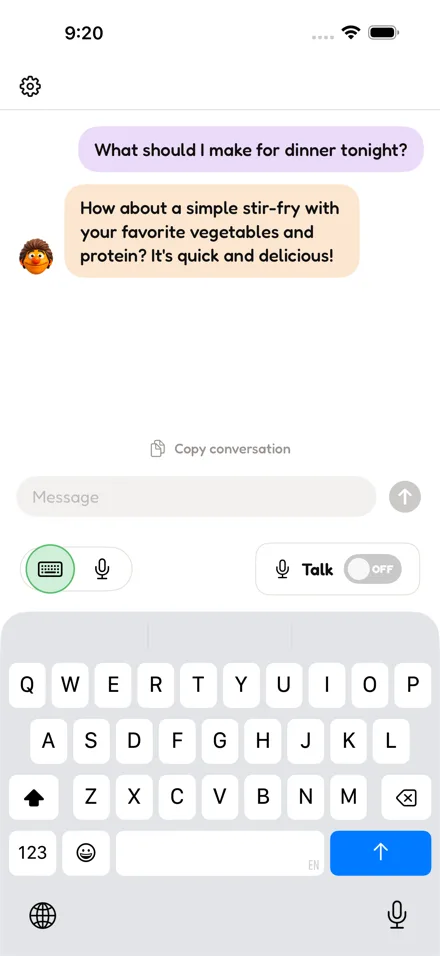
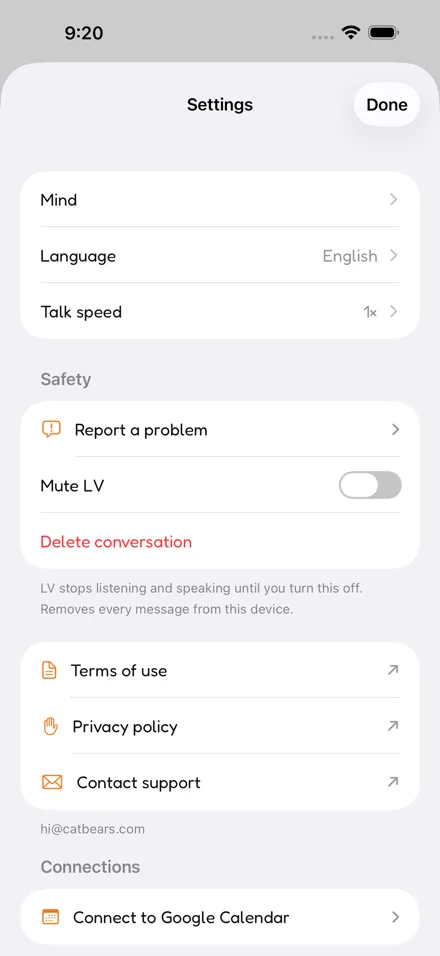
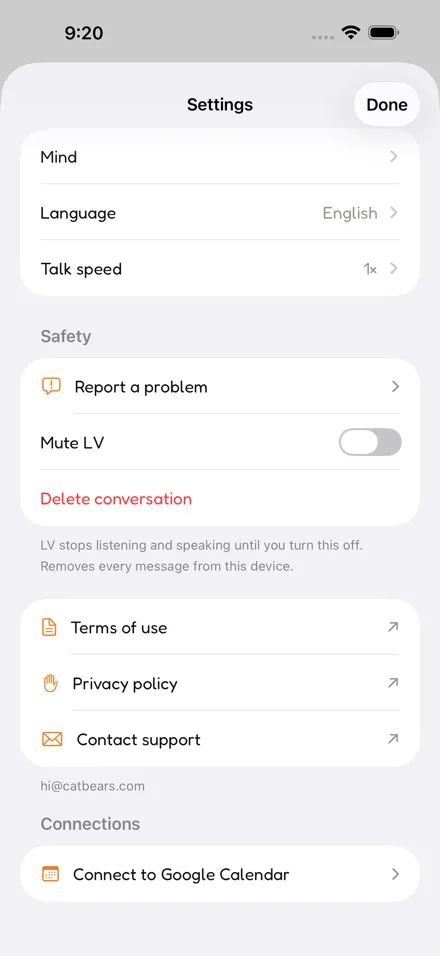

The transcript is kept on the iPhone, not on our servers. Voice recordings aren't kept. Delete the app and it all goes with it.
Mute LV and it goes quiet at once. Delete the conversation in Settings. Report a problem and a person on our team reads it.
LV is an AI and it can be wrong. It isn't a doctor or an emergency service. In an emergency, call your local emergency number.
Yes. LV-Chat is an iPhone app you talk to. It takes notes, checks and changes your Google Calendar, and remembers what you tell it, answering in a sentence or two.
Better than one. Instead of a recording you have to play back, LV keeps the point as a short note on your board, in your words.
Yes, for the notes you'd normally lose: say it, and it's on your board. You can read and delete everything LV keeps in Settings, then Memory.
Yes, with Google Calendar, if you connect it. Ask what's on tomorrow, add something, move it or remove it. You can disconnect at any time in Settings.
Switch Talk on at the bottom right and just speak. There is no button to hold down. LV waits until you stop before it answers, and you can interrupt it mid-sentence by speaking again. If you would rather type, tap the keyboard icon at the bottom left. Both reach the same conversation, so you can switch whenever you like.
LV asks for the microphone the first time you switch Talk on. If you said no, iOS will not ask again. Open Settings on your iPhone, find LV-Chat, and turn Microphone on. Typed chat works normally with the microphone off.
Open Settings inside the app and use Talk speed, which runs from slow and clear to brisk. It takes effect straight away, so you can adjust it while LV is talking.
Yes. There are several characters, each with its own voice and manner. Pick the one you find easiest to listen to in the app's Settings.
LV-Chat is in testing now and coming soon to the App Store. If you're a tester and something isn't working, the help page answers what people ask most, and the email there reaches a person.
Be one of the first 100
When the first 100 people sign up, Jim starts generating it, right here on this page.
You're on the list.
We'll email you when it's ready.
We use your email only to tell you when it's ready.
Drag to reposition · scroll or use the slider to zoom